# What agents are
> **What you will learn**
> What "agent" means in Connect, when to use each of the five kinds, and how to
> read the list screen.
## The things that do the work
[The agent in the concepts track](/guide/ai-agent-basics) was "a loop that takes
a goal and runs itself." In Connect, **agent** is used a little more broadly.
> **A collective term for the things that do work in a workspace.**
## The agents screen
Go to **Agents** in the left menu.
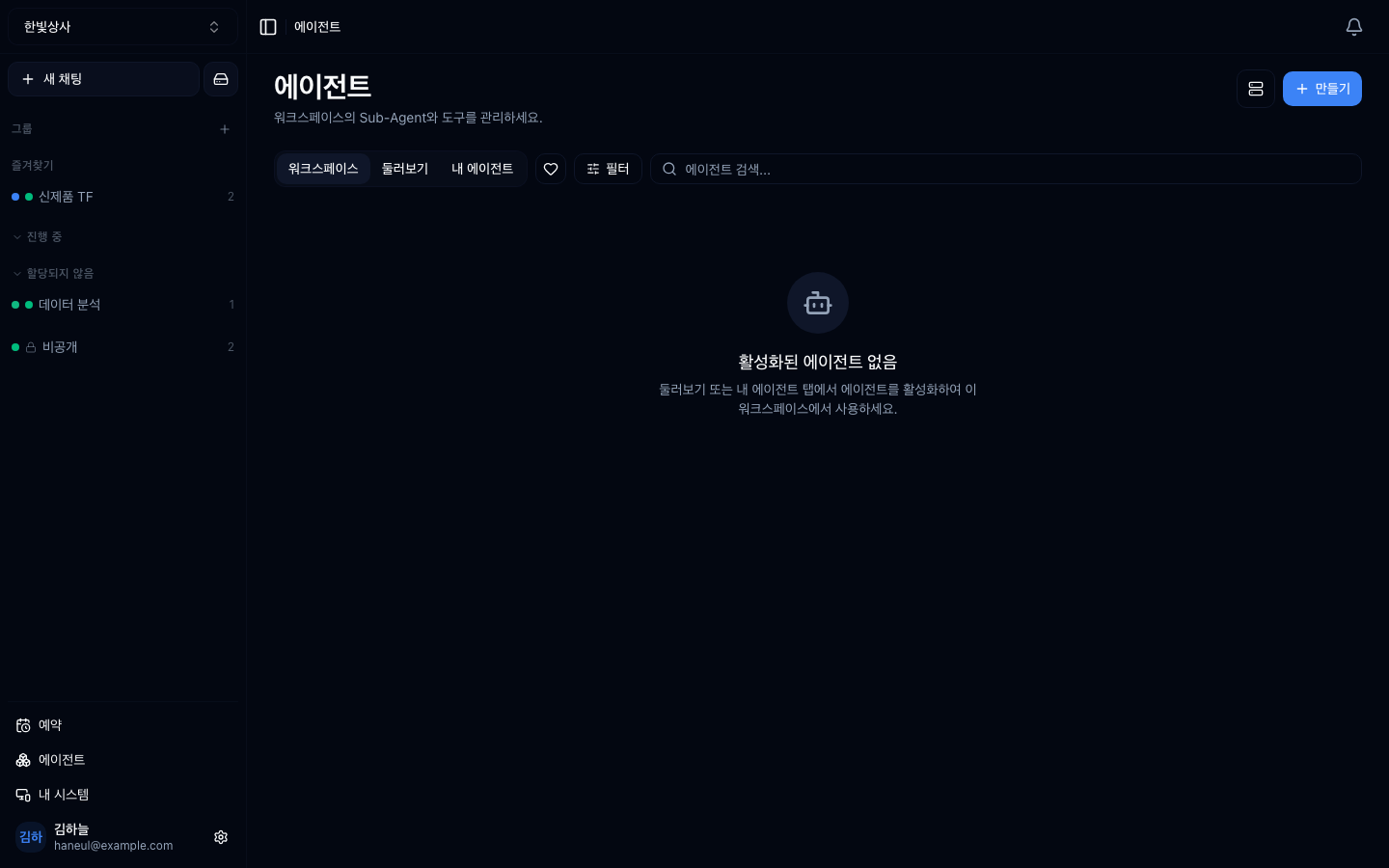
One card is one agent.
| Position | Meaning |
|---|---|
| Top-left badge | kind — `Sub-Agent` · `APP` · `HTTP` · `CLI` · `System` |
| `@handle` under the name | the call handle. Invoke with `@name` in a conversation |
| Two numbers at the bottom | number of users · number of calls |
| Bottom-right badge | **public** or **private** |
| Bottom-left toggle | whether it is **enabled** |
| Heart | favourite |
The filters at the top switch between
`workspace / public / my agents / favourites`, and the row below narrows again by
**kind** (Sub-Agent · tool · HTTP · CLI · system) and by **visibility**.
## The five kinds
| Kind | What it is | When to use it |
|---|---|---|
| **Sub-agent** | a worker with a defined role, tone, and instructions | when you repeat the same kind of request |
| **MCP server** | a bundle of external tools | connecting GitHub, Slack, an internal DB |
| **HTTP action** | an action that calls one API | when you only need one internal API |
| **CLI action** | runs one command | running a fixed script |
| **System** | your registered machine | when real file work is needed |
## Where to start
**Start with sub-agents.**
```mermaid
graph TD
A["Sub-agent
no external connection"] --> B["MCP server
connect a bundle of tools"]
B --> C["HTTP · CLI action
a specific action"]
C --> D["System
your machine"]
```
Three reasons.
1. **No external connection needed.** You only write instructions
2. **The effect is immediate.** Repeated requests disappear
3. **It is practice.** [Writing good instructions](/guide/ai-intent-context)
applies directly
## Visibility and enablement are different
A frequent point of confusion.
```mermaid
graph TD
A["Agent"] --> B["Visibility
who can see it"]
A --> C["Enablement
can it be used now"]
B --> B1["Public — everyone in the workspace"]
B --> B2["Private — only the creator"]
C --> C1["On — selectable in conversation"]
C --> C2["Off — in the list but unusable"]
```
The combinations:
| Visibility | Enabled | State |
|---|---|---|
| Private | on | only the creator uses it. **Being refined** |
| Public | on | the whole team uses it. **Normal operation** |
| Public | off | visible but unusable. **Temporarily withdrawn** |
| Private | off | effectively archived |
> **Disabling instead of deleting** preserves the settings and history. You can
> turn it back on later.
## When agents accumulate
| Problem | Response |
|---|---|
| Several similar ones | merge them |
| Many unused | disable them |
| You cannot tell what is what | fill in the descriptions |
This is the same story as
[the too-many-tools problem](/guide/mcp-too-many-tools). Many candidates make
choosing harder.
---
## Check yourself
**1. What are the three reasons to start with sub-agents?**
Answer
**No external connection is needed, the effect is immediate, and it is practice
in writing good instructions.** You only write instructions, so it is the easiest
place to start.
**2. When do you use "public but disabled"?**
Answer
**To withdraw something temporarily.** The team can see it but nobody can use it.
Disabling instead of deleting preserves settings and history.
**3. Why is having too many agents a problem?**
Answer
**Because choosing becomes harder.** The same problem as having too many tools —
disable the ones you do not use.
---
Now build one → [Creating a sub-agent](/guide/cn-create-agent)