# The playground
> **What you will learn**
> The place where you invoke a connected tool directly, without an agent, and
> when to use it.
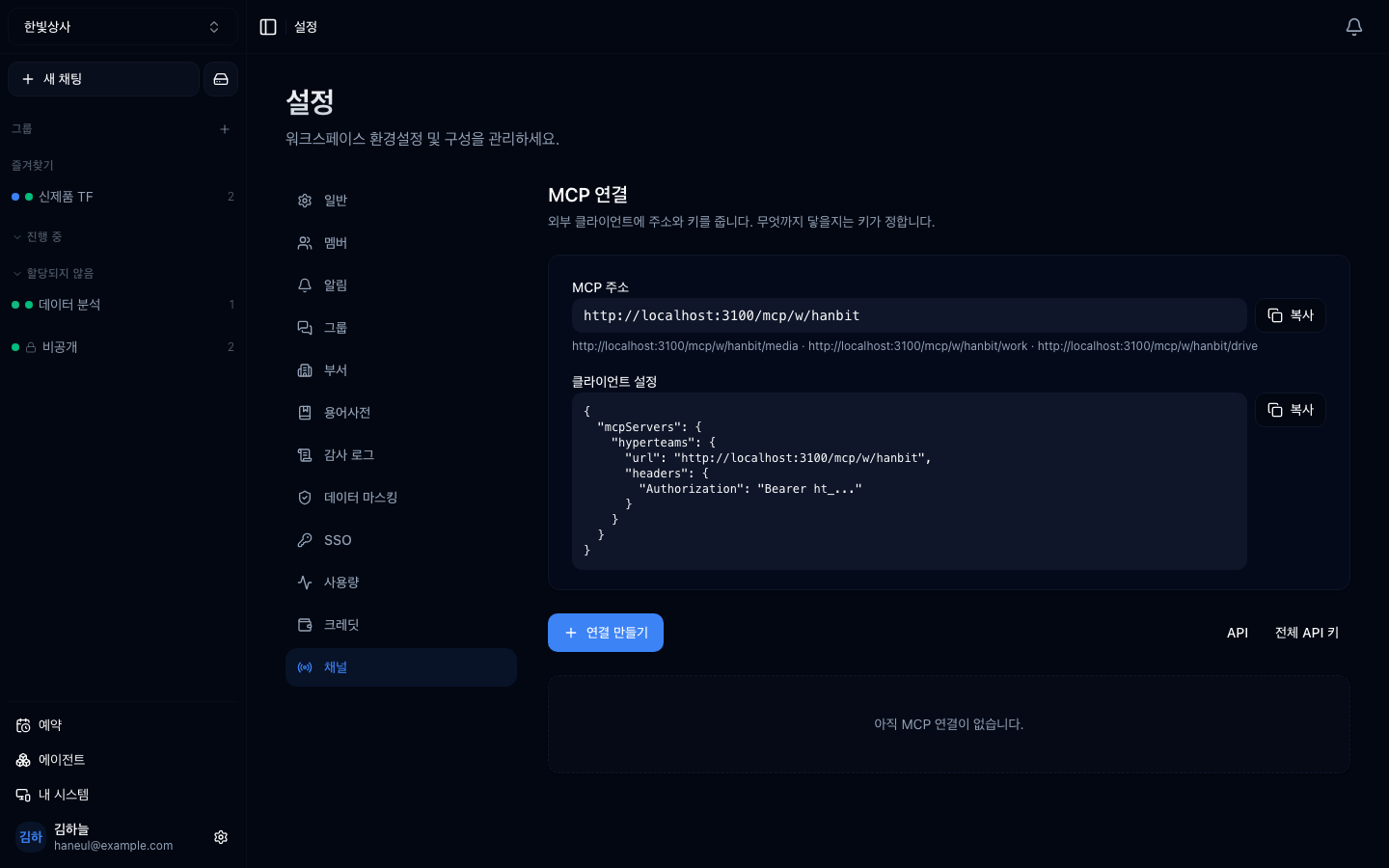
After attaching tools, you confirm and test the list from this screen.
## Pressing the tool yourself
[Attaching an MCP server](/guide/cn-mcp) brings in several tools. But right after
attaching, you do not know these things:
```
□ does this tool actually work (are the credentials right)
□ what arguments does it need
□ what shape does the result come back in
□ how large is the result
```
**The playground is where you check that without a conversation.** Pick a tool,
argument fields appear, enter values, run it, and the result is shown as-is.
## The fields are generated for you
It reads the tool's declared argument specification and draws **inputs matching
the types.**
| Argument type | Input |
|---|---|
| String | text field |
| Number | number field |
| Boolean | toggle |
| One of a fixed set | select list |
| List or object | structured input |
**Required arguments are marked too.** We said that
[a poor tool description makes the model get arguments wrong](/guide/mcp-capabilities);
pressing it here makes that visible.
## When to use it
### 1. Right after attaching a tool
```
attach → call once in the playground → confirm success → then use in conversation
```
**Do not test it for the first time in a conversation.** When it fails you cannot
tell whether the tool or the model's judgement was at fault. Check here first and
**tool problems get caught here.**
### 2. To see the size of results
[Large results get set aside](/guide/cn-tool-settings). Seeing how
big a tool's output is in advance tells you whether you need range arguments.
### 3. To check whether credentials expired
[The most common finding in a quarterly review](/guide/cn-tool-settings) is an
expired token. One call in the playground reveals it immediately.
### 4. When improving a tool description
Calling it yourself clarifies **when this tool should be used.** Feed that back
into the description and the model's selection gets more accurate.
## How it differs from a conversation
| | Conversation | Playground |
|---|---|---|
| Who picks the tool | **the model** | **you** |
| Who sets the arguments | the model | you |
| On failure | causes are mixed | **confirmed to be the tool** |
| Purpose | getting work done | **checking** |
The playground is **the tool with the model's judgement removed.**
## Things to watch
### It really executes
Being a test does not make it safe. **Press a write tool and it writes.**
```
✓ Lookup tools — press away
⚠ Create, send, delete tools — they really happen
```
The [tools are permissions](/guide/mcp-security) perspective applies here too.
Do not casually press an irreversible tool, even with test values.
### It counts towards usage
Playground calls are recorded in [usage](/guide/cn-usage) as well. Calling large
results repeatedly costs accordingly.
---
## Check yourself
**1. Why not test a newly attached tool in a conversation?**
Answer
**Because when it fails you cannot tell whether the tool or the model's judgement
was at fault.** The playground calls the tool with the model removed, so a
failure there is confirmed to be the tool.
**2. What is the core difference from a conversation?**
Answer
**You, not the model, choose the tool and its arguments.** It is the tool with
the model's judgement taken out.
**3. Which tools warrant caution even in testing?**
Answer
**Irreversible ones** — create, send, delete, pay. They really execute in the
playground too.
---
Next, deciding which tools stay on →
[Turning tools on and off](/guide/cn-tool-settings)