# Turning tools on and off
> **What you will learn**
> Why per-workspace tool settings exist, and how to decide what to enable and
> what to disable.
## Why turn them on and off
Because of the two problems from
[when you have too many tools](/guide/mcp-too-many-tools).
| Problem | Result |
|---|---|
| Tool definitions occupy context | higher cost, less room to work |
| Several similar tools | **it picks the wrong one** |
**The second hurts more in practice.** Turning off unused tools is both a saving
and an accuracy improvement.
## Where to do it
Under **Settings → Channel settings → MCP** you choose which tools this workspace
enables. You can also see the state through the filters on the agent list screen.
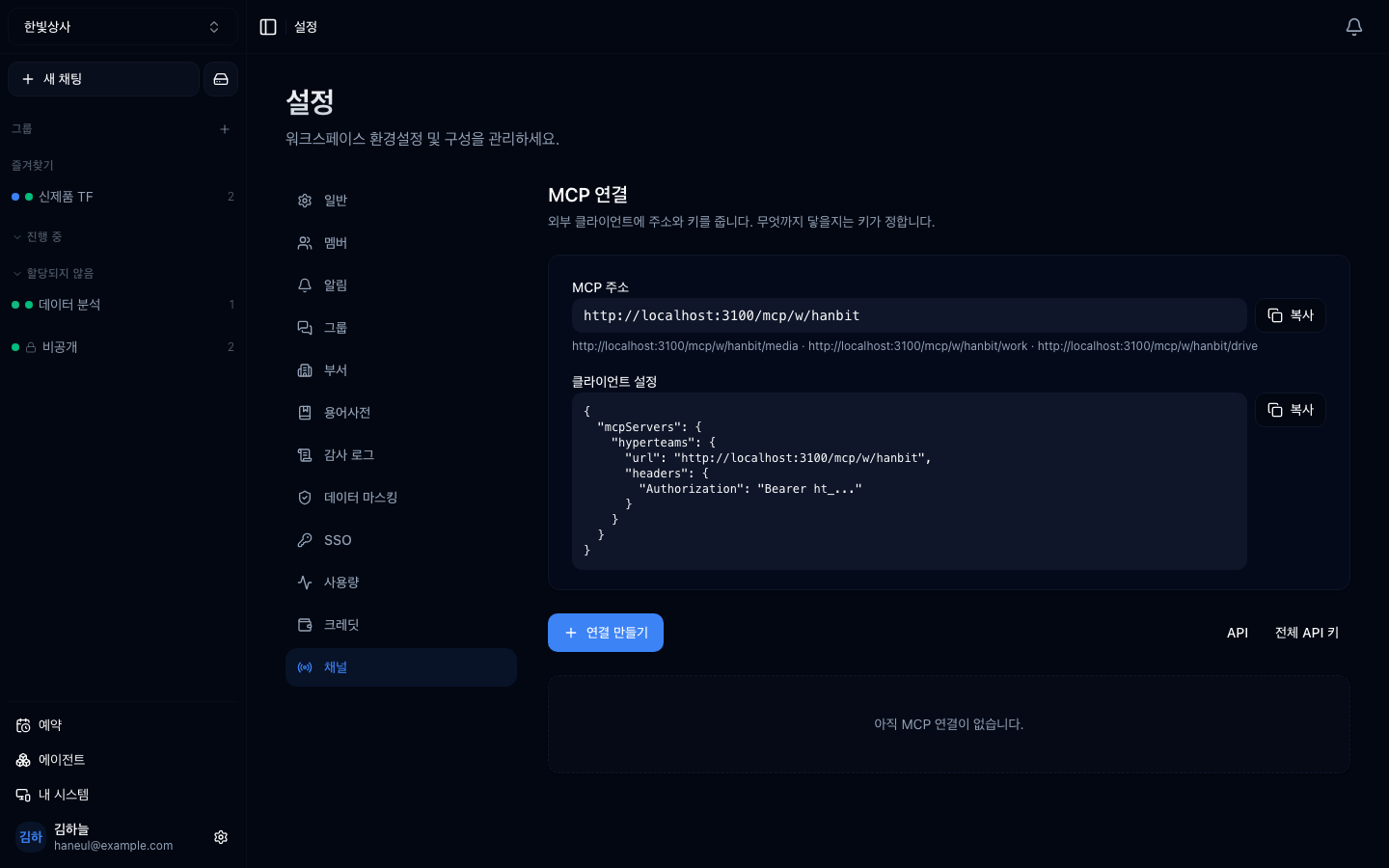
The list of tools you can enable. Disabled tools are never passed to the model.
## How to decide what to enable
### Criterion 1 — does this workspace actually use it?
```
Sales workspace:
✓ CRM lookup, quoting system, email
✗ GitHub, deployment tools, code search
```
**"We might need it someday" goes in the off column.** Turn it on when you
actually need it.
### Criterion 2 — is it irreversible?
```
Read tools → enable (safe)
Write tools → only the ones you need
Delete · payment → reconsider whether you really need them
```
From the [tools are permissions](/guide/mcp-security) perspective, **enabled
means usable.**
### Criterion 3 — are there several similar ones?
Five search tools and the model gets confused. **Enable only the one that fits
best.**
## Built-in tools
Beyond what you attach via MCP, Connect provides some tools by default.
| Tool | What |
|---|---|
| Web | search, fetch a URL, YouTube content |
| Drive | read and write workspace files |
| Webview | open and display a screen |
| System work folder | hand work to a folder on a registered machine |
| Thread notes | jot down what it learned; re-attached automatically on later turns |
| Delegation | hand work to another agent |
Enable and disable these by the same criteria.
## How many is reasonable
| Enabled tools | State |
|---|---|
| ~10 | no problem |
| 10–30 | fine if names and descriptions are good |
| 30+ | **tidying is advised** |
Connect has [a mechanism that narrows to tools close to the
request](/guide/mcp-too-many-tools), but **it only engages above 100 tools.**
Below that, everything enabled is passed through, so turning things off is your
only control.
## Large results get set aside
When a tool returns something large, **it is not handed to the model whole.**
Otherwise one result eats the whole conversation. There are two stages.
### 1. Setting it aside — the default
| | |
|---|---|
| Threshold | results over **10,000 characters** |
| Method | only the first **2,000 characters** stay in the conversation; **the full text is kept** |
| Re-reading | the model asks for a range and reads the original again |
**It is not cut and thrown away.** If the model needs the tail, it fetches it on
the spot. The result also stays on screen in full, so you can read all of it.
> Storage has a ceiling too (**256KB**). Past that the tail really is gone, and
> the model is told the text stops there.
### 2. Truncation — for the truly huge
Before the stage above, a tool result that is enormous to begin with really is
cut.
| | |
|---|---|
| Threshold | about **30%** of the model's context (400,000 characters at most) |
| Method | mostly the head; if the tail holds errors or totals, **head + tail** |
| Indication | a warning is inserted at the cut |
**If you feel you only saw part of a result**, this is why. The fix is on the
tool side.
```
✗ "fetch the whole log" → truncated
✓ "fetch only the errors" → small to begin with
✓ "fetch it 1000 lines at a time" → if the tool accepts ranges
```
If you build a tool yourself, **always include range and count arguments.**
Without them it becomes a tool you cannot use on large data.
## Telling the team
Turning tools on and off **affects the whole team.**
```
□ Turning one off: people using it suddenly cannot → tell them in advance
□ Turning one on: nobody knows means nobody uses it → announce it with an example
```
## Tidy periodically
Check about once a quarter:
```
□ which tools have gone unused for three months?
□ are there tools left from a finished project?
□ are there connections whose credentials expired?
```
**The third is common.** The token expired and it is failing, and nobody knows.
---
## Check yourself
**1. Why is turning off unused tools an accuracy improvement?**
Answer
**Because fewer candidates lower the chance of picking wrong.** Several similar
tools confuse the model. It is both a cost saving and a selection-accuracy
improvement.
**2. What do you do with a tool you "might need someday"?**
Answer
**Turn it off.** Turn it on when you need it. Enabled means usable, and it only
adds to the candidate set.
**3. What is most commonly found in the quarterly check?**
Answer
**Connections whose credentials expired.** The token expired and it is failing,
and nobody knows.
---
Now connect your machine → [Connecting a system](/guide/cn-systems)