# The work board — conversations as work
> **What this chapter covers**
> Why the group screen shows cards rather than a list, what the four states mean,
> and when to archive, pin or mark read.
## Not a list — a queue of work
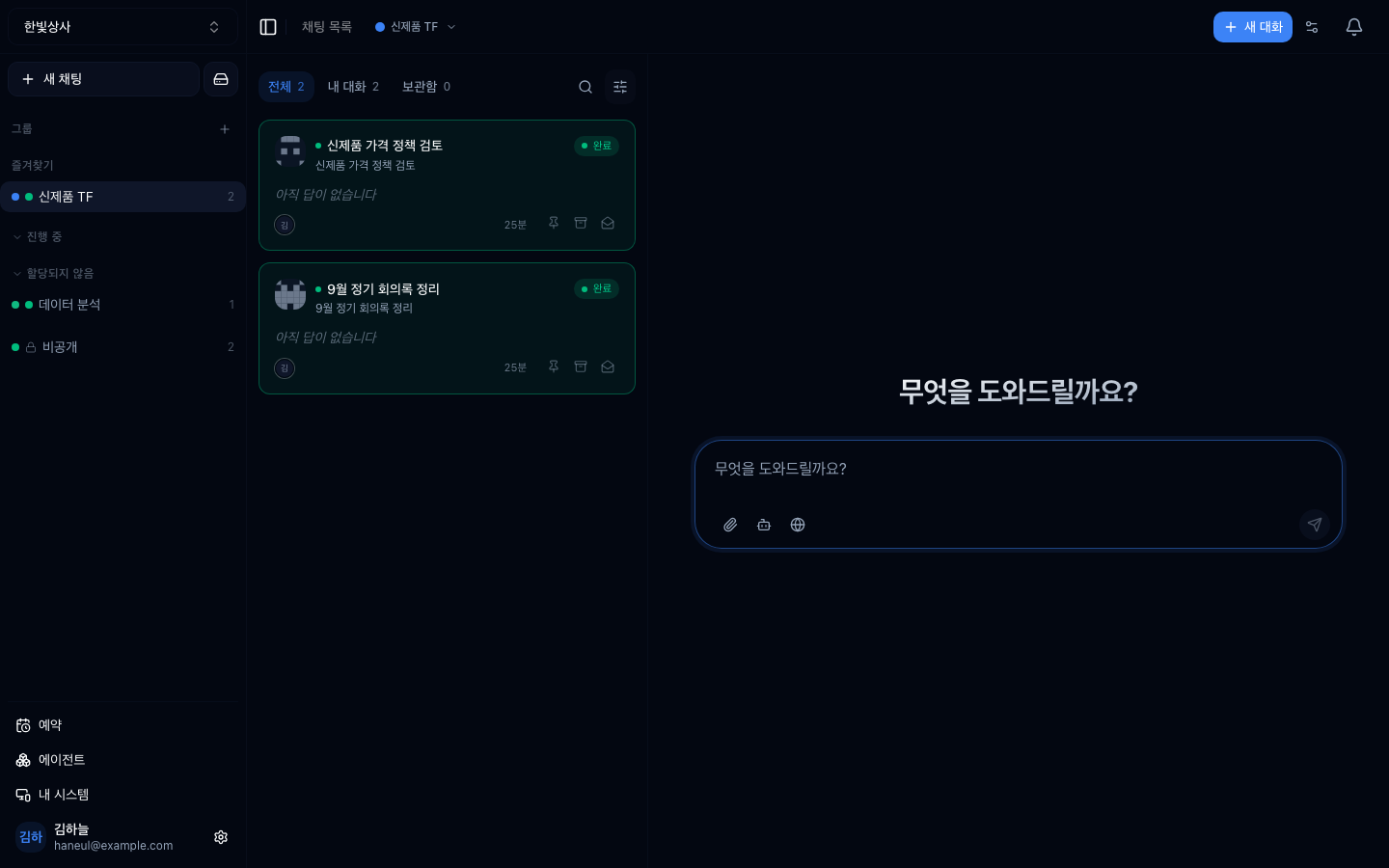
Open a [group](/guide/cn-groups) and conversations appear as **cards**. A plain
list would just be sorted newest-first, but the question people actually arrive
with is one:
> **"What do I have to do right now?"**
The card is the shape that answers it.
## Four states
| State | Meaning | Your move |
|---|---|---|
| **Needs me** | It is waiting on you | Look now |
| **Running** | An agent is working | Wait |
| **Open** | Nobody has picked it up | Decide who takes it |
| **Done** | Finished | Just check |
**"Needs me" is why this screen exists** — an approval is pending, a question came
back, or a comment [mentioned you](/guide/cn-thread).
## The tabs
| Tab | Contains |
|---|---|
| Open | Unfinished work — the default |
| All | Everything not archived |
| Mine | Started by you or involving you |
| Archived | Put away |
**Defaulting to "open" matters.** Default to "all" and finished conversations fill
the screen, so finding work means filtering every time.
## Source is shown
Each card carries an icon for **where the request came from**.
```
member · widget · API · email · internal · external
```
In a workspace with [channels](/guide/cn-channels) open this is decisive. You have
to be able to tell an outside enquiry from a teammate's request at a glance before
you can prioritise.
## What you can do from the card
| Action | When |
|---|---|
| **Pin** | Keep multi-day work at the top |
| **Archive** | Finished, no reason to see it again |
| **Read / unread** | Flag something to come back to |
> **Archiving is not deleting.** It stays in the archived tab and can be undone.
> Don't confuse it with deleting a conversation.
Read state is **yours alone** — marking something read does not change anyone
else's screen.
## My work uses the same screen
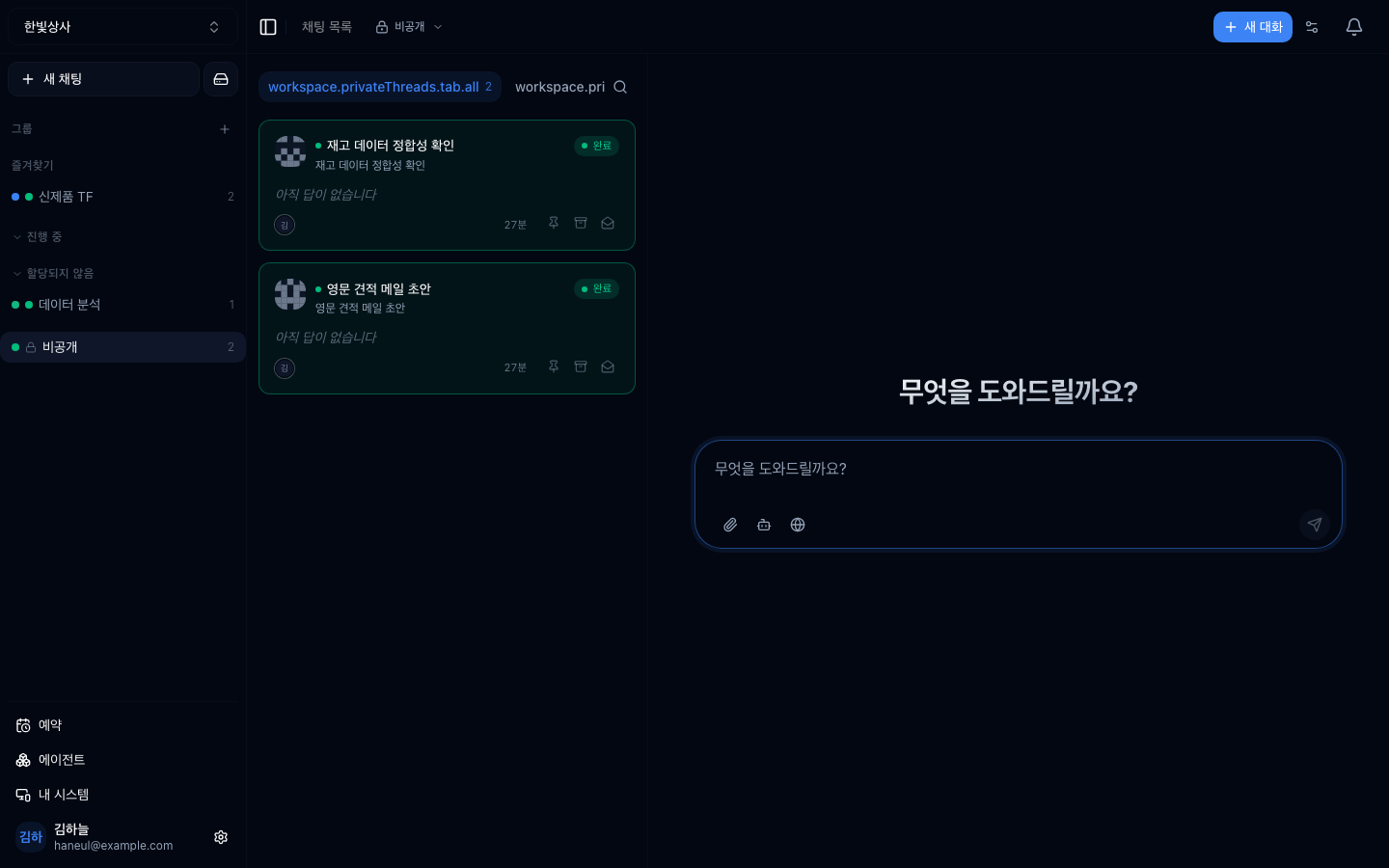
The sidebar's private section shows only the most recent few. Everything beyond
that lives in the **private list**, in the same card shape.
## Common misunderstandings
### "Where is the button to mark it done?"
**State is not a field you set.** It is derived from what actually happened — an
agent running means running, a finished answer means done, a pending approval
means needs-me. What you want for tidying up is **archive**.
### "If I archive it, does it vanish for my team?"
**Archiving applies to the whole workspace.** Read state is personal; archiving is
shared. Don't archive something others still need to see.
---
## Check yourself
**1. Why is the group screen made of cards?**
Answer
Because the question people arrive with is **"what do I have to do right now?"**,
and a newest-first list does not answer it.
**2. When does "needs me" appear?**
Answer
**When the conversation is waiting on you** — a pending approval, a question that
came back, or a comment that mentioned you.
**3. How do archiving and read state differ?**
Answer
**Archiving is shared across the workspace; read state is personal.** Marking read
changes only your screen, archiving moves it for everyone.
---
Run the board for yourself for a day. Twenty minutes →
[Run the work board for a day](/guide/cn-try-board)