# The two API surfaces
> **What you will learn**
> The two doors HyperTeams offers to the outside, what each one opens, and what
> you must understand before turning them on.
>
> **If APIs and endpoints are new,** start with [What an API is](/guide/it-api).
## The character changes here
The previous twelve chapters were about **using it from the screen.** This part
is about **letting other programs call this machine.**
That means opening a door, and before opening one you need to know **what it
opens.**
## There are exactly two doors
```mermaid
graph TD
A["All of /api/*"] --> B["/api/v1
HyperTeams' own REST"]
A --> C["/api/ai
models — OpenAI compatible"]
A --> D["Every other /api/*
dashboard only"]
B --> B1["Bearer key"]
C --> C1["Bearer key"]
D --> D1["Browser cookie
not callable from outside"]
```
| Prefix | What it does | Auth |
|---|---|---|
| `/api/v1` | **direct work** — list working directories, create/read/follow-up/stop tasks | Bearer |
| `/api/ai` | **call models** — chat, embeddings, audio, images | Bearer |
| Everything else | what the dashboard screens use | cookie |
**Nothing outside these two is callable from outside.** The routes the screens
use open only for a logged-in browser's cookie.
## Both default to off
The most important property.
> **On an install where you never turned them on, these paths do not exist — you
> get a 404.**
That it is `404` (not there) rather than `401` (not authorised) is deliberate. A
system that has not been turned on **does not even advertise that an API
exists.**
| Setting | Default |
|---|---|
| REST surface | off |
| Model surface | off |
## The key is your dashboard password
This is the core of the chapter.
> **The API key is not a separately issued value — it is the dashboard password
> itself.**
```
Authorization: Bearer
```
That design has consequences.
### Consequence 1 — no password means you cannot turn it on
An install without a password stands on the premise that **the dashboard itself
runs without authentication** (reachable only from your own machine). Add "an
API that accepts any value" to that and the moment the premise breaks you are
twice as open. So it simply will not turn on.
```bash
hyperteams setup # password first
```
### Consequence 2 — the key spreads
Once you use the password as a Bearer token, that value ends up in places like:
```
□ editor configuration files
□ automation scripts
□ another machine's environment variables
□ CI configuration
```
**One leak opens the whole dashboard.** Same story as
[the tunnel](/guide/ht-remote-access) saying "anyone who knows the address can
try," except here the value gets copied to several places.
> **So ask yourself before turning it on**: can you count every place this key
> will live? If not, it is not time yet.
## The model surface has three levels
REST is on or off, but the model side lets you choose **how far to open.**
| Mode | What opens |
|---|---|
| `off` | nothing. 404 |
| **`inference`** | **inference only** — chat, embeddings, audio, image generation |
| `full` | up to the upstream model server's management paths |
What `inference` opens is a fixed list.
```
/v1/models list
/v1/chat/completions chat
/v1/completions
/v1/embeddings embeddings
/v1/moderations
/v1/audio/transcriptions speech → text
/v1/audio/speech text → speech
/v1/audio/classification
/v1/images/generations image generation
/v1/images/inpainting
/v1/images/upscale
```
**Anything outside that list is a 404 under `inference`.** Management actions
like downloading a model or restarting the server open only under `full`.
> **Start with `inference`.** If the goal is lending your models to another
> program, inference is enough; `full` lets that program **manage** your model
> server. [Least privilege](/guide/mcp-security) applies here directly.
## Two base addresses
The model side is advertised under two addresses, which is easy to confuse.
| What you are attaching | base |
|---|---|
| OpenAI-compatible tools and SDKs | `…/api/ai/v1` |
| Another HyperTeams dashboard | `…/api/ai` |
This happens because everything under `/api/ai` maps **1:1 onto the upstream
model server's root.** The upstream itself is "OpenAI surface at `/v1` under the
server root," so that nesting carries through.
> ⚠ **Because it nests, the path does not enforce the scope.** Being told
> `…/api/ai/v1` does not mean you can only go below it — the scope is set by
> **`inference` / `full`**, not by the path.
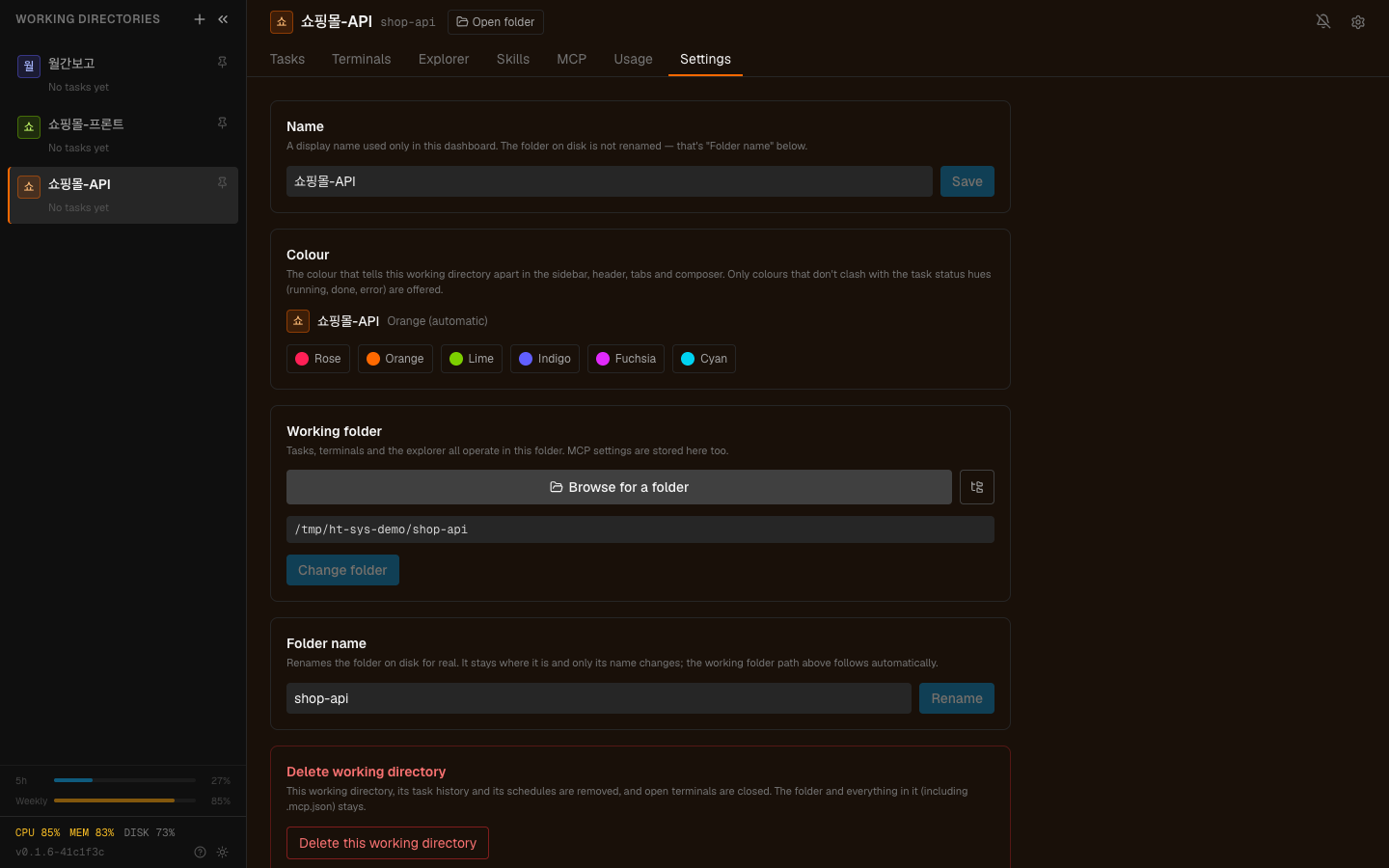
The Settings tab. Turning the two API surfaces on and off happens here.
## The order to turn it on
```
1. Set a password with hyperteams setup
2. Turn on only the surface you need in settings
- directing work from outside → REST
- lending models → model (inference)
3. Write down every place the key will go
4. Get one call working from one place, then stop
```
**Step 4 matters.** Once one call works, the rest is copying. Attach it in
several places at once and you cannot tell which one is wrong.
## Where the specification lives
This system publishes its own **OpenAPI 3.1 specification.** But that spec is not
on the public surface — it sits **behind the dashboard gate.**
- You read it as a documentation screen from a logged-in browser
- If an external tool needs it, you download it and hand it over
> The spec is not a secret, but **there is also no reason to advertise what this
> system has left open.** So it does not sit where it can be read without a key.
## Common misconceptions
### "Don't I get issued an API key separately?"
No. **The dashboard password is the key.** So changing the password means fixing
every place you put that value.
### "It's convenient — why not turn both on?"
Turn off surfaces you do not use. **Being on means the same key opens that side
too.** If you only use models, leave REST off.
### "Does this matter if I only use it locally?"
On `localhost` the risk is far smaller. But the moment you
[open a tunnel](/guide/ht-remote-access), the same key works from the internet.
**Turning on the tunnel and the API together is when password strength really
starts to matter.**
---
## Check yourself
**1. Why do you get a 404 rather than a 401 on a system that has not been turned
on?**
Answer
**So that a system which has not been turned on does not reveal that an API
exists.** A 401 tells you "there is a door here and your key is wrong"; a 404
hides the door itself.
**2. What is the API key, and what does that mean you must watch?**
Answer
**The dashboard password itself.** So the value gets copied into editor configs,
scripts, environment variables and CI, and **one leak opens the whole
dashboard.** Before turning it on you should be able to count where the key will
live.
**3. What is the difference between `inference` and `full`?**
Answer
`inference` opens **only the inference paths** — chat, embeddings, audio, image
generation. `full` also opens **management paths** like downloading models or
restarting the server. For lending models, `inference` is enough.
---
First, directing work from outside → [Directing work over REST](/guide/ht-rest-api)