What you will learn How to create, watch, and stop work through
/api/v1, and the one thing you must handle when attaching it to automation.If requests, responses and status codes are unfamiliar, start with Requests and responses — HTTP.
This does exactly what your first task did on screen, over REST. It calls the same function — work created on screen and work created via the API are indistinguishable.
| What it does | Request |
|---|---|
| List working directories | GET /api/v1/workspaces |
| List tasks | GET /api/v1/tasks |
| Create a task | POST /api/v1/tasks |
| Read one task | GET /api/v1/tasks/{id} |
| Follow up | POST /api/v1/tasks/{id}/follow-up |
| Stop | POST /api/v1/tasks/{id}/stop |
| Field | Meaning | If omitted |
|---|---|---|
workspaceId | which working directory | effectively required |
prompt | the instruction | you get an empty task |
name | the name shown in the list | auto-generated |
engine | which engine | the default engine |
mode | autonomy level | fully automatic |
model | which model | the default model |
Omit
modeand you get fully automatic. The same default as on screen. For unattended automation you should know what that means before leaving it out.
You get numbers along with paths. Do not hardcode the number — look it up by path. Delete and re-register a folder and the number changes.
The most important part of this chapter.
Send the same request twice and you get two tasks.
This is not an omission but a deliberate design. The code comment states the reason — a REST caller only has to send its request once, and we do not pretend to offer a guarantee we do not have.
graph TD
  A["Script POSTs"] --> B{"Did a response arrive?"}
  B -->|"yes"| C["Fine"]
  B -->|"timeout"| D["Retry?"]
  D -->|"blind retry"| E["2 tasks created<br/>both edit files"]
  D -->|"check first"| F["Safe"]
A timeout is not the same as a failure. The request may have arrived and only the response been lost. Retrying in that state runs the same work twice.
Using name is the most practical route.
Put the date or a run identifier in the name and you can check whether it already exists before retrying.
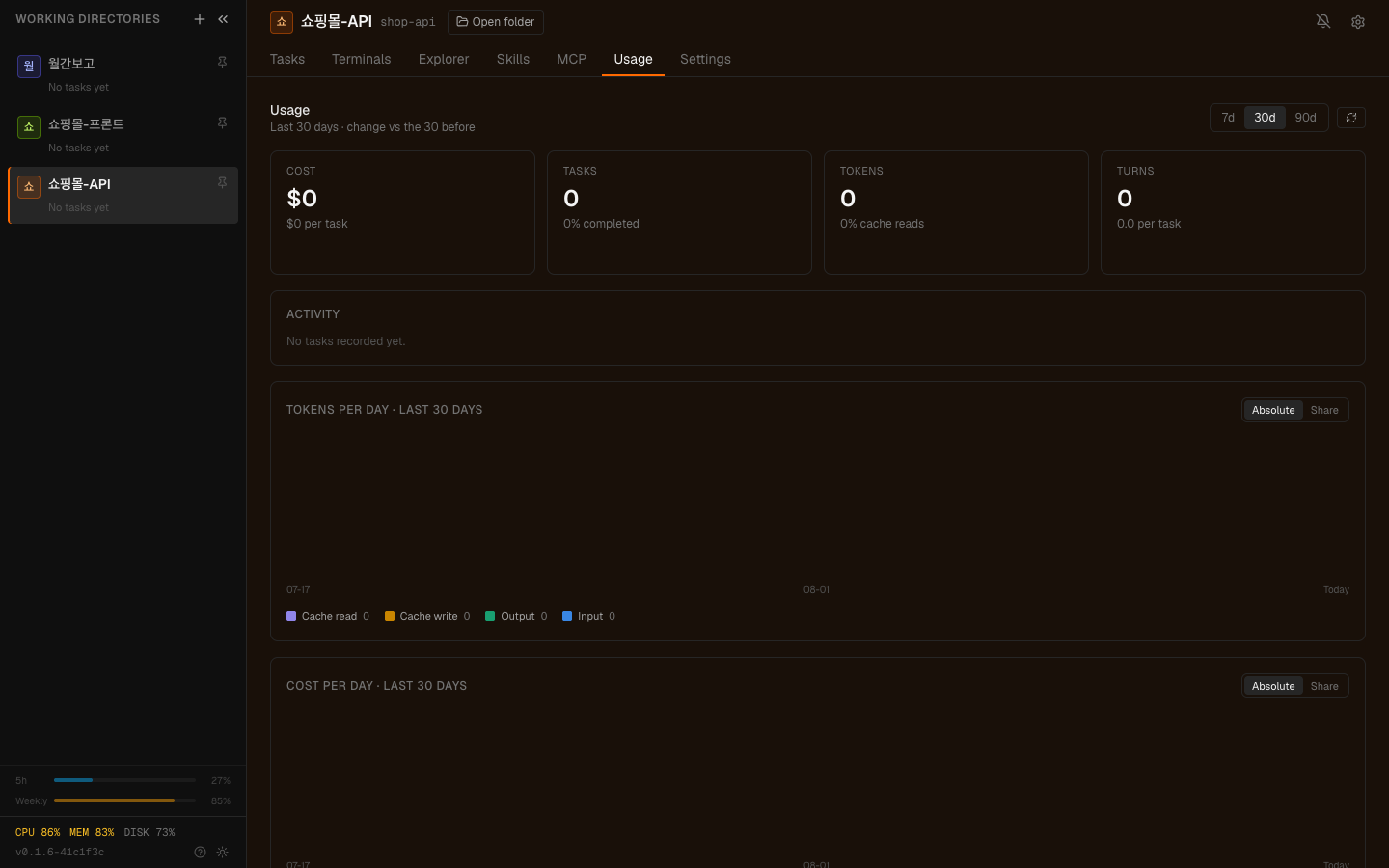
The ⋯ → Usage tab shows what this machine spent, and on what.
Creating a task returns an identifier. Use it to poll.
For long-running work, poll generously. Prodding every second gains nothing.
| Duration | Interval |
|---|---|
| Seconds | 2–3 seconds |
| Minutes | 15–30 seconds |
| Hours | several minutes |
Always wire stop into automation.
Agents go just as hard in the wrong direction. In
unattended automation, something has to stop it when it exceeds a time or cost
ceiling.
| Situation | Shape |
|---|---|
| A button on the intranet | button → POST → show the result |
| Issue tracker integration | issue created → task created |
| A regular batch | scheduler → POST → email the result |
| A chatbot | message → task → reply |
For regular runs, scheduling beats this API. Keeping the scheduler inside the system is easier to manage than one outside. Use the API when an outside event is the trigger.
The first line matters most. Once automation starts editing files it is hard to undo, and hard to even verify without a git commit.
1. What happens if you send the same POST twice?
Two tasks are created. The absence of an idempotency key is deliberate, so
whoever adds retries owns the duplicates — check the list before retrying, or put
a unique value in name.
2. What autonomy level do you get if you omit mode?
Fully automatic — the same default as on screen. For unattended automation you should know what that means before leaving it out.
3. Why is this API second-best for regular runs?
Because you have to keep a scheduler outside. The system's own scheduling is easier to manage. The API is right when an outside event is the trigger.
Drive one yourself, duplicate run included. Forty minutes → Drive a job over REST
curl -X POST http://localhost:27777/api/v1/tasks \ -H "Authorization: Bearer $HT_KEY" \ -H "Content-Type: application/json" \ -d '{ "workspaceId": 3, "prompt": "List the files in this folder with no tests, as a table", "name": "test coverage check" }'curl -H "Authorization: Bearer $HT_KEY" \ http://localhost:27777/api/v1/workspaces□ Check GET /api/v1/tasks before retrying□ Put a unique value in name so duplicates are visible□ Cap the number of retries (never retry forever)□ For work that edits files, make retries a human decision{ "name": "daily-check-2026-08-15" }curl -H "Authorization: Bearer $HT_KEY" \ http://localhost:27777/api/v1/tasks/42# When the result is not quite right — same as following up on screencurl -X POST http://localhost:27777/api/v1/tasks/42/follow-up \ -H "Authorization: Bearer $HT_KEY" \ -H "Content-Type: application/json" \ -d '{ "prompt": "Add a last-modified column to the table" }'# When it is going the wrong waycurl -X POST http://localhost:27777/api/v1/tasks/42/stop \ -H "Authorization: Bearer $HT_KEY"□ Start with mode fixed to "plan only" and have a person check the results□ Raise autonomy to the reversible range once you are comfortable□ Look up workspaceId by path rather than hardcoding it□ Keep the key in an environment variable — not in code, repos, or logs□ Watch the created tasks by eye for the first few days HyperTeams