이 장에서 배우는 것 왜 어떤 메시지는 바로 안 도는지, 작업자 권한이 무엇인지, 그리고 승인 화면에서 무엇을 할 수 있는지.
이름이 비슷해서 가장 자주 헷갈리는 지점입니다.
| 예약 | 승인 대기 | |
|---|---|---|
| 누가 기다리나 | 기계가 순서를 기다림 | 사람의 판단을 기다림 |
| 왜 멈춰 있나 | 앞 항목이 안 끝나서 | 보낸 사람에게 실행 권한이 없어서 |
| 어디 | 「내 업무」 머리줄 → 대기열 단추 | 사이드바 → 승인 대기 |
선택 공개 그룹에서만 생기는 개념입니다.
graph TD
  A["그룹의 공개 범위"] --> B{"전체 공개인가?"}
  B -->|"예"| C["워크스페이스 멤버 전원이 즉시 실행"]
  B -->|"아니오 (선택 공개)"| D{"이 사람에게 즉시 실행 권한이 있나?"}
  D -->|"있다"| E["바로 실행"]
  D -->|"없다"| F["승인 대기로"]
권한은 부서로도 개인으로도 줄 수 있습니다. 그룹 설정의 대상 목록에서 "즉시 실행"을 켜면 그 대상이 작업자입니다.
부서로 주세요. 개인으로 지정하면 인사 이동 때마다 그룹마다 고쳐야 합니다.
전형적인 자리는 셋입니다.
| 상황 | 왜 승인이 필요한가 |
|---|---|
| 외부 인입(위젯·이메일)이 붙은 그룹 | 신원 확인 없는 요청이 바로 도구를 부르면 안 됩니다 |
| 신입·인턴이 섞인 그룹 | 몇 주간은 지시를 보고 나가게 |
| 되돌릴 수 없는 도구가 켜진 그룹 | 발송·결제·삭제 앞에 사람 한 명 |
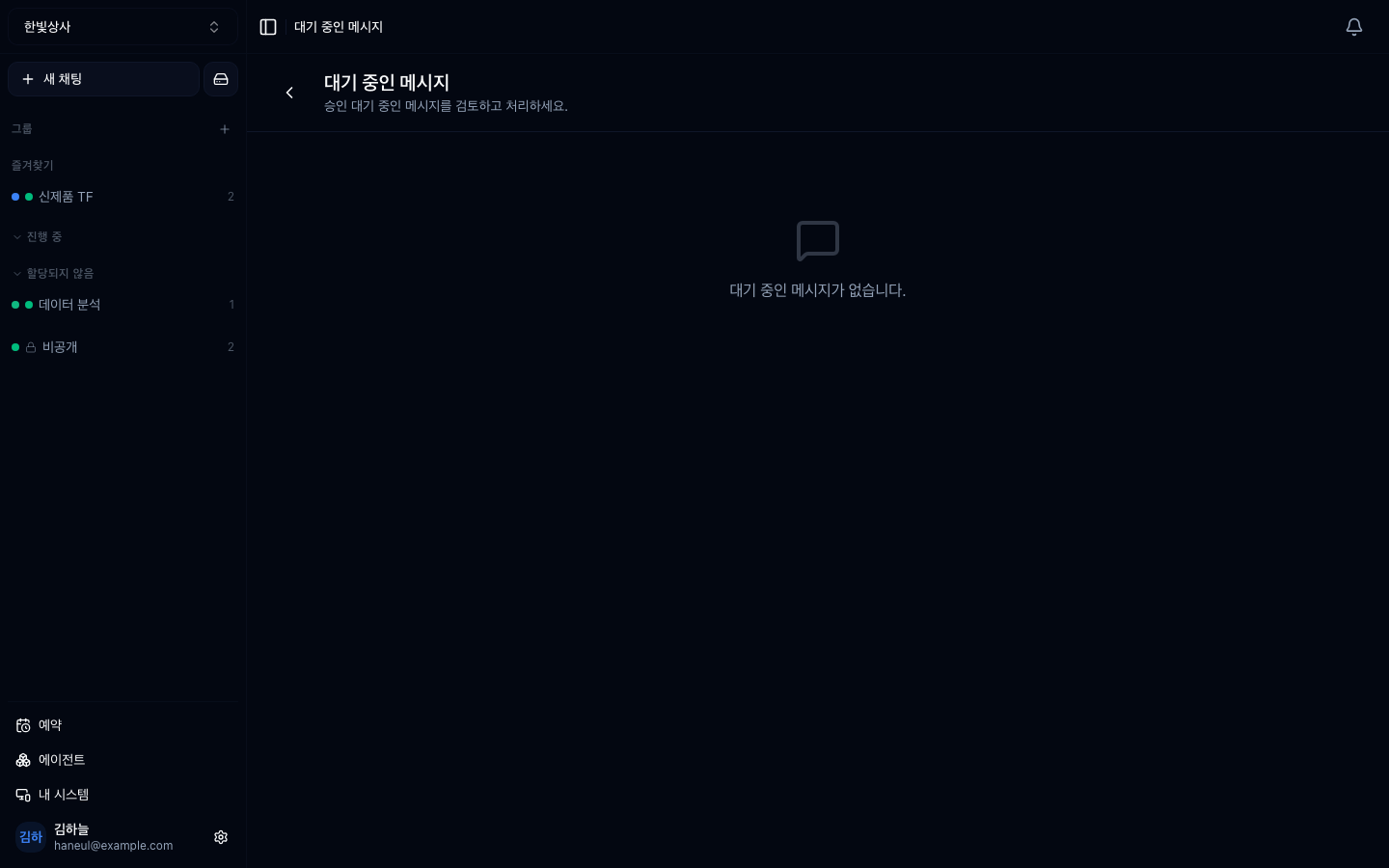
대기 중인 메시지마다 네 가지를 할 수 있습니다.
| 동작 | 결과 |
|---|---|
| 승인 | 그대로 실행됩니다 |
| 수정 후 승인 | 문장을 고쳐서 실행합니다 |
| 거부 | 실행하지 않습니다. 사유를 남길 수 있습니다 |
| 삭제 | 기록에서 지웁니다 |
두 번째가 실무에서 제일 많이 쓰입니다. 요청 자체는 타당한데 범위가 넓거나 완료 조건이 없는 경우가 대부분이고, 그건 거부할 일이 아니라 고칠 일입니다.
거부에는 사유를 적으세요. 사유 없는 거부가 반복되면 사람들은 요청을 아예 안 하게 되고, 그때부터 그 그룹은 죽습니다.
승인 대기는 문장만 보관하지 않습니다.
그래서 사흘 뒤에 승인해도 보낸 사람이 의도한 그 조건 그대로 실행됩니다.
아닙니다. 전체 공개 그룹은 워크스페이스 멤버 전원이 작업자입니다. 승인 단계를 두고 싶으면 그 그룹을 선택 공개로 바꾸고 실행 권한을 좁히세요.
작업자가 없거나 너무 적은 것입니다. 승인은 사람의 시간을 쓰는 장치라, 지속적으로 걸릴 그룹이라면 작업자를 부서 단위로 넉넉히 두어야 합니다. 그게 안 되는 그룹은 승인이 아니라 도구를 좁히는 쪽이 맞습니다.
1. 예약 대기와 승인 대기는 무엇이 다릅니까?
예약은 기계가 순서를 기다리는 것이고, 승인 대기는 사람의 판단을 기다리는 것입니다. 승인 대기는 보낸 사람에게 그 그룹의 즉시 실행 권한이 없을 때 생깁니다.
2. 작업자 권한은 어느 그룹에서 의미가 있습니까?
선택 공개 그룹에서만입니다. 전체 공개 그룹은 워크스페이스 멤버 전원이 즉시 실행할 수 있습니다.
3. 승인 화면에서 가장 자주 쓰는 동작과 그 이유는?
수정 후 승인입니다. 요청 자체는 타당한데 범위가 넓거나 완료 조건이 빠진 경우가 대부분이라, 거부할 일이 아니라 고칠 일이기 때문입니다.
권한을 직접 나눠봅니다. 40분입니다 → 권한을 실제로 나눠보기
□ 어느 서브 에이전트로 보내려 했나□ 어느 모델로□ 어떤 도구를 빼 두었나□ 드라이브 검색 범위는 어디까지였나 HyperTeams