What you will learn How the window you embed in a website works, and what changes because it is a public entrance.
A place where visitors can ask questions directly from your homepage.
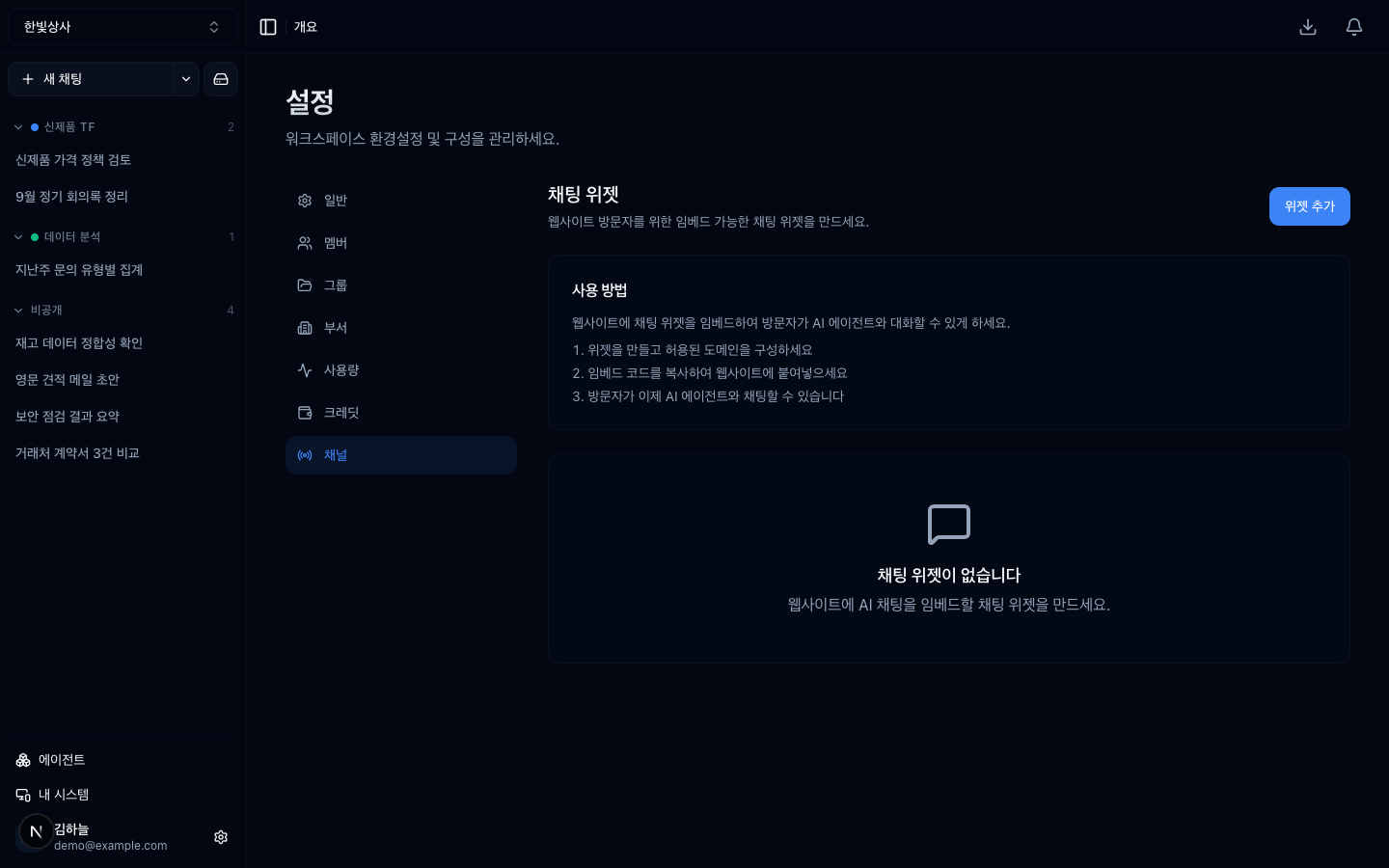
Structurally it matches email agents; only the entrance differs.
| Widget | ||
|---|---|---|
| Entrance | a mail address | a script embedded in a web page |
| Response | a reply email | on screen immediately |
| Visitors | whoever knows the address | anyone who visits the site |
That last row changes the design. A widget is a far more open entrance than email.
Creating a widget issues a widget key. Put the script containing that key into a web page and you are done.
The widget key is exposed in the page source. It cannot be hidden. Anyone can read and copy it.
So allowed domains are the only line of defence.
Set the domain when you create the widget. Put it off and the key spreads in the meantime.
You can set a per-minute request limit.
On a busy site, without it, one person leaving the window open and sending repeatedly is enough to raise your cost. Always set it on a public entrance.
Turn email collection on and visitors give their address before chatting.
| On | Off | |
|---|---|---|
| Friction | higher (more drop-off) | low |
| Follow-up contact | possible | not possible |
| Personal data | you now collect and store it | none |
Do not treat the third row lightly. Taking an email means holding personal data from that moment, which brings a privacy policy, a retention period, and a deletion procedure. Turn it on only when follow-up is genuinely needed.
If internal document search is open to the widget, internal material becomes the raw material for visitors' questions. Connect only material that is acceptable to publish.
Blocking promises matters most. What goes out of a public window reads as something the company said.
Widget conversations pile up. Collecting them in a dedicated thread group keeps the team's sidebar from being buried.
The screen records total sessions and last used.
The first is your signal to check the domain restriction.
1. The widget key cannot be hidden — so how do you protect it?
The allowed-domain restriction. The key is exposed in the page source and cannot be concealed, but with domains set, pasting it on another site does nothing.
2. Why turn on email collection carefully?
Because you take on responsibility for holding personal data, which brings a privacy policy, a retention period, and a deletion procedure. Turn it on only when follow-up is genuinely needed.
3. What must the widget instructions block above all?
Promises — discounts and contract terms. What goes out of a public window reads as something the company said.
Next, the files that accumulate in a workspace → Drive
1. Create the widget → key issued2. Set allowed domains (required)3. Insert the script into your site✗ No domain restriction → copy the key onto any site and it works there → someone else's site runs support at your cost✓ Your domain only → pasting it elsewhere does nothing[Role]You answer enquiries about our products.[What not to do]- Do not promise discounts or contract terms- If unsure, say you will confirm with the responsible person- Do not mention internal schedules or unreleased products□ did session count suddenly rise (it may be embedded on someone else's site)□ is last-used too long ago (the script may have been removed)□ is cost higher than expected HyperTeams