What you will learn What "agent" means in Connect, when to use each of the five kinds, and how to read the list screen.
The agent in the concepts track was "a loop that takes a goal and runs itself." In Connect, agent is used a little more broadly.
A collective term for the things that do work in a workspace.
Go to Agents in the left menu.
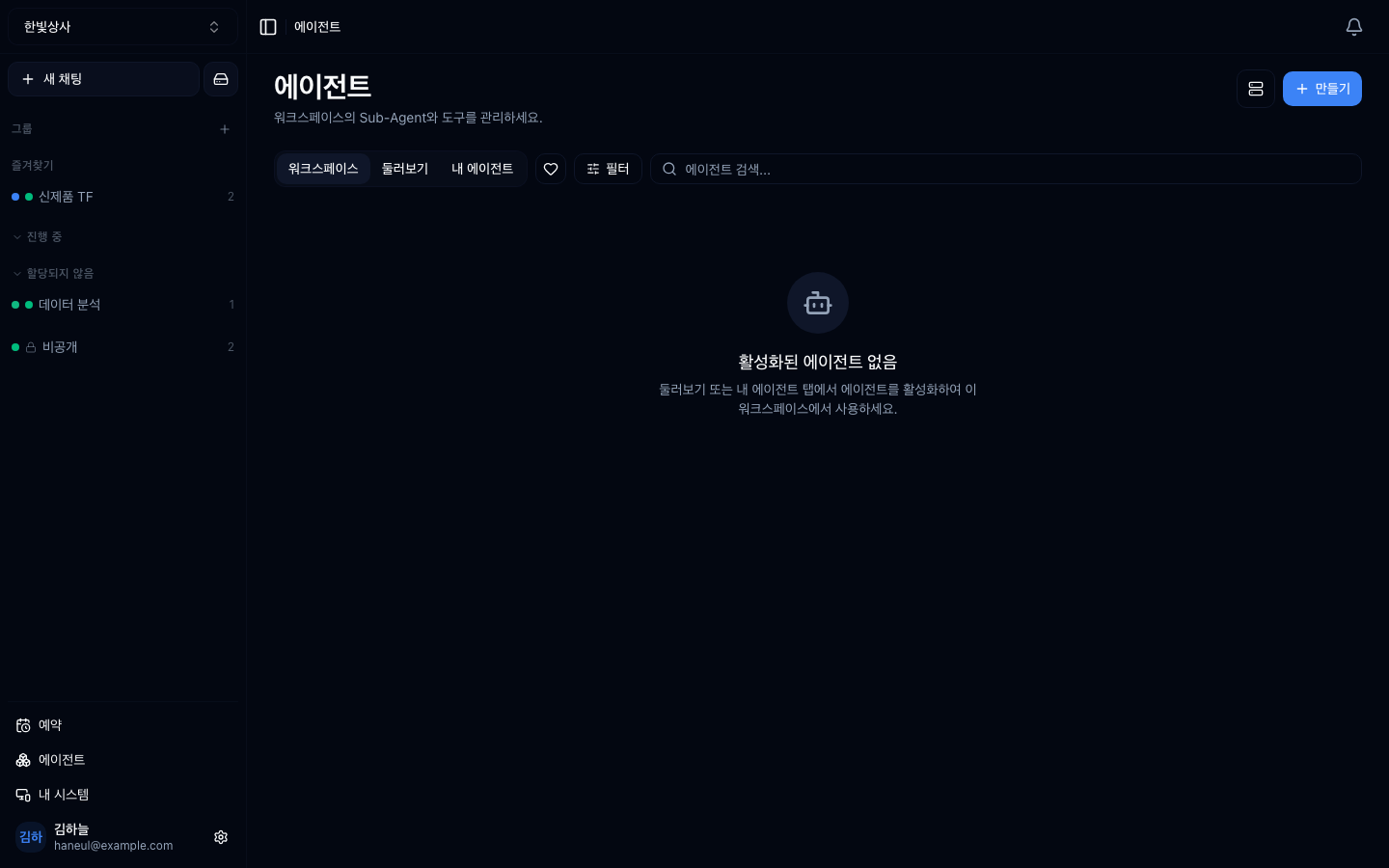
One card is one agent.
| Position | Meaning |
|---|---|
| Top-left badge | kind — Sub-Agent · APP · HTTP · CLI · System |
@handle under the name | the call handle. Invoke with @name in a conversation |
| Two numbers at the bottom | number of users · number of calls |
| Bottom-right badge | public or private |
| Bottom-left toggle | whether it is enabled |
| Heart | favourite |
The filters at the top switch between
workspace / public / my agents / favourites, and the row below narrows again by
kind (Sub-Agent · tool · HTTP · CLI · system) and by visibility.
| Kind | What it is | When to use it |
|---|---|---|
| Sub-agent | a worker with a defined role, tone, and instructions | when you repeat the same kind of request |
| MCP server | a bundle of external tools | connecting GitHub, Slack, an internal DB |
| HTTP action | an action that calls one API | when you only need one internal API |
| CLI action | runs one command | running a fixed script |
| System | your registered machine | when real file work is needed |
Start with sub-agents.
graph TD
  A["Sub-agent<br/>no external connection"] --> B["MCP server<br/>connect a bundle of tools"]
  B --> C["HTTP · CLI action<br/>a specific action"]
  C --> D["System<br/>your machine"]
Three reasons.
A frequent point of confusion.
graph TD
  A["Agent"] --> B["Visibility<br/>who can see it"]
  A --> C["Enablement<br/>can it be used now"]
  B --> B1["Public — everyone in the workspace"]
  B --> B2["Private — only the creator"]
  C --> C1["On — selectable in conversation"]
  C --> C2["Off — in the list but unusable"]
The combinations:
| Visibility | Enabled | State |
|---|---|---|
| Private | on | only the creator uses it. Being refined |
| Public | on | the whole team uses it. Normal operation |
| Public | off | visible but unusable. Temporarily withdrawn |
| Private | off | effectively archived |
Disabling instead of deleting preserves the settings and history. You can turn it back on later.
| Problem | Response |
|---|---|
| Several similar ones | merge them |
| Many unused | disable them |
| You cannot tell what is what | fill in the descriptions |
This is the same story as the too-many-tools problem. Many candidates make choosing harder.
1. What are the three reasons to start with sub-agents?
No external connection is needed, the effect is immediate, and it is practice in writing good instructions. You only write instructions, so it is the easiest place to start.
2. When do you use "public but disabled"?
To withdraw something temporarily. The team can see it but nobody can use it. Disabling instead of deleting preserves settings and history.
3. Why is having too many agents a problem?
Because choosing becomes harder. The same problem as having too many tools — disable the ones you do not use.
Now build one → Creating a sub-agent
 HyperTeams